
AI for Beauty
WhatsApp errors in Beauty Salons: correct them with Altegio automation
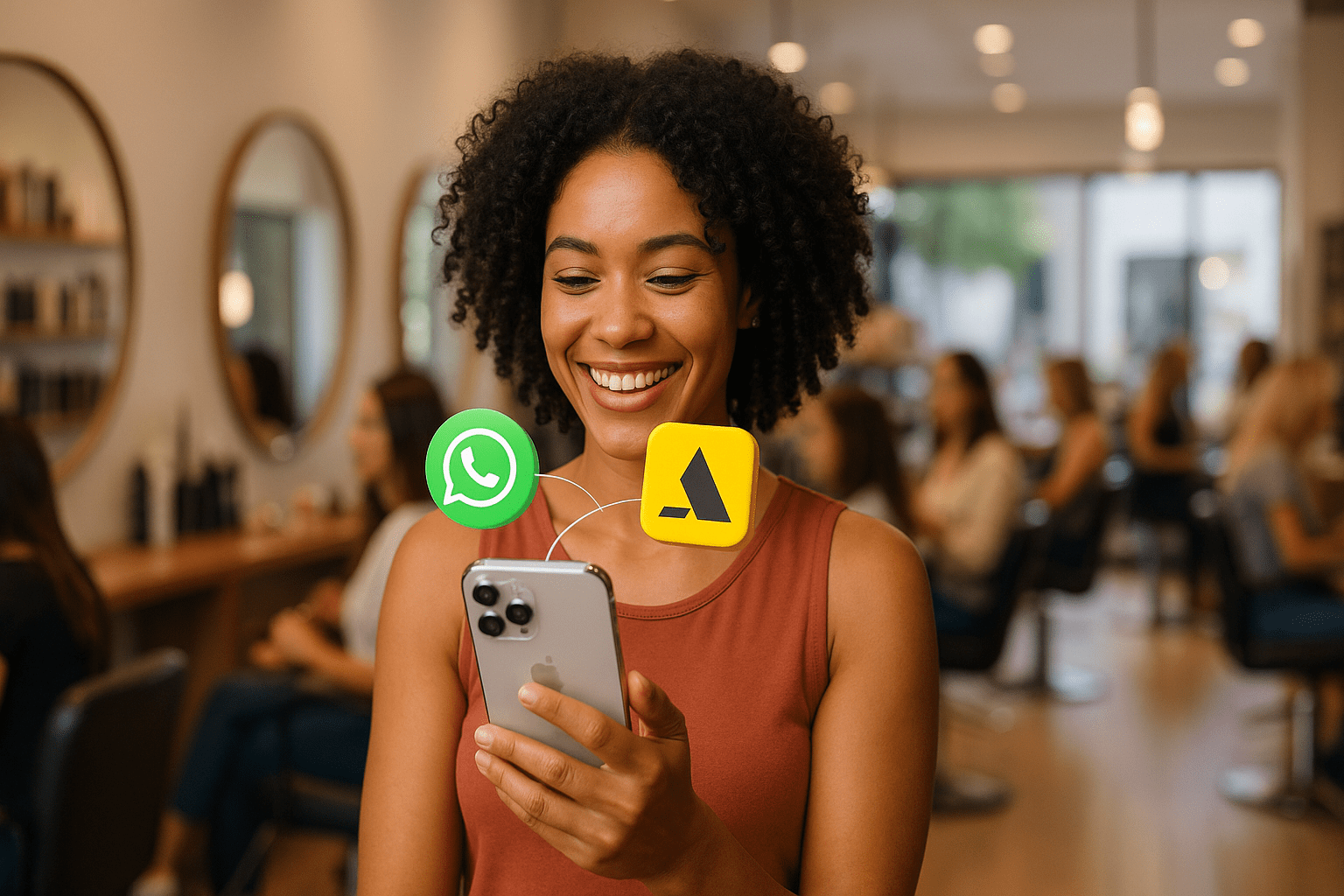
For many salons, WhatsApp has become the “official reception.” The problem: When used without processes, it becomes a drain on time, money and reputation. Below, the most frequent (and costly) mistakes in beauty salon WhatsApp — and a practical way to correct them with organization, integrations and automation.
Why does WhatsApp become a bottleneck in salons?
Because WhatsApp mixes two things that should not live in chaos: customer service and agenda. When the team responds improvisation, delays, copies and pastes messages and confirms appointments “by hand”, the chances of losing clients or making mistakes in bookings skyrocket.
In addition, WhatsApp has its own rules and policies for commercial use, especially when you enter the world of WhatsApp Business Platform (API). Ignoring them is asking for problems (or blockages).
Mistake #1 — Treating the living room WhatsApp as an informal chat
Responses like “hello 😊”, “wait a minute”, “I’ll look at it” seem nice, but they generate insecurity. The client wants objectivity: service, schedule, price, professional and confirmation.
How to correct it: Standardize messages, create a service script and use quick responses. Consistency conveys professionalism — and professionalism sells.
Mistake #2 — Taking time to respond (the client does not wait)
On WhatsApp, the client compares you with the salon on the corner in real time. If the response takes too long, it leaves — and does not warn.
How to fix it: Define an SLA (maximum response time), distribute attention in shifts and automates pre-classification (service, date, professional) to reduce round trip.
Mistake #3 — Doing everything manually (copy and paste until exhaustion)
If every day someone asks: “what service?”, “when?”, “with what professional?”… you don’t have attention, you have repetition. Repetition tires the team, increases errors and reduces conversion.
How to fix it: Automate the basics: data collection, sending scheduling options, confirmations and reminders. The human touch is left for what really needs it.
Mistake #4 — Using WhatsApp incorrectly (and violating policies without realizing it)
Many people still believe that “everything can be done” with normal WhatsApp, shared WhatsApp Web or solutions that promise magic. But there is a key distinction:
-
WhatsApp Business App (application)
-
WhatsApp Business Platform (API / Cloud API)
Historically, when you linked a number to the API, it would stop functioning as a normal account in the app. More recently, Meta launched the official feature called WhatsApp Coexistence, which may allow using the app and API on the same number — but it depends on eligibility and the onboarding process. That is to say: don’t assume that “it is always possible”.
How to fix: Follow the official documentation and validate the correct scenario of your number before migrating or automating.
Useful official sources:
Mistake #5 — WhatsApp without integration with the agenda (guaranteed chaos)
When WhatsApp does not communicate with the calendar, the classic problems appear: duplicate schedules, incorrect reservations, manual confirmations and rework. This is not “normal in a salon”; It is lack of integration.
How to correct it: connect WhatsApp with your reservation system so that attention is based on real data (schedules, professionals, services and duration).
Mistake #6 — Only react (and never be proactive)
Classrooms that only respond to messages live by putting out fires. Organized salons make WhatsApp work in your favor: automatic confirmations, reminders, reactivation of inactive clients and post-service messages.
How to fix it: Implement confirmation automations and reminders, and create routines to recover inactive customers (judiciously and without spam).
The invisible mistake: thinking that WhatsApp is “just conversation”
The biggest mistake is cultural: treating WhatsApp as a chat, when in reality it is a sales process and operation. Whoever organizes flows, reduces friction and integrates with the agenda, schedules more — and works with less stress.
How ChatPlug (official Altegio app) solves it in practice
If your salon uses Altegio, you already have the centerpiece of the operation: the agenda. The next step is to make WhatsApp stop being a “free territory” and become an integrated channel.
ChatPlug connects WhatsApp and Altegio to automate pre-sorting, scheduling, confirmations and reminders, reducing manual work and scheduling errors — with an implementation designed specifically for the Altegio ecosystem.
More information:
CTA: If you want to stop wasting time and money with a disorganized WhatsApp and turn conversations into reservations with less friction, check out ChatPlug in the Altegio marketplace (or start on the official page above).
Official references
Prefer to have it built for you? Explore our chatbot development service: AI assistants that answer, qualify and book appointments 24/7, integrated with Altegio.
Frequently asked questions
Do I really need to respond quickly?
Yes. In messaging, the client usually decides in minutes. A slow response increases churn and makes you compete on price instead of competing on trust.
Can I use the same WhatsApp number and automate with the API?
Depends. There is the official resource called WhatsApp Coexistence that can allow using the app and API on the same number in eligible scenarios. In other cases, when migrating to the API, the number may no longer function as a normal account in the app. Check the documentation and your onboarding flow.
What is the biggest benefit of integrating WhatsApp with Altegio?
Fewer errors and less rework. You operate with real system schedules and services, instead of manually confirming and risking conflicts.
Next steps
Ready to act?
Diagnosis, prioritization and execution — no hand-offs. The same team that maps the problem builds the solution.

Founder, IA Operators
LinkedIn